
YouTube Channel Page Checklist: Banner, Trailer, Playlists and More
Your channel page is where a viewer decides whether to subscribe. This checklist covers every part of it, from the banner to the playlist order, in the sequence a new visitor sees it.
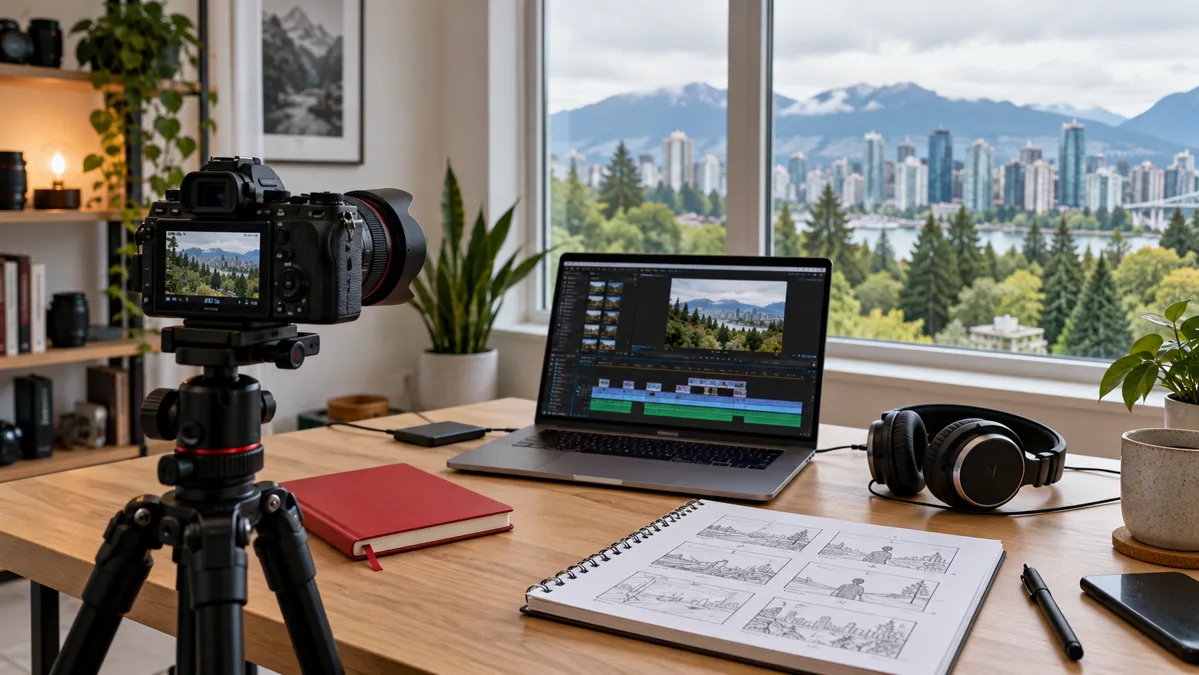
When someone finishes one of your videos and clicks your channel name, they land on your channel page. It is the closest thing YouTube has to a storefront, and most small channels leave it half finished: a default banner, no trailer, an old description and a wall of uploads in no particular order. This checklist walks through every part of the page, in the order a new visitor sees it, with notes for Canadian creators and small businesses.
Why the channel page matters
Videos get discovered through search, Shorts, suggestions and the home feed. The channel page is where that discovery turns into a subscription. A woodworker in Thunder Bay can get a thousand views on a video about sharpening chisels, but if the channel page looks abandoned, most of those viewers leave without subscribing. The page has to answer three questions quickly: who are you, what do you make, and why should I come back. Everything below is edited in YouTube Studio under Customization.
Before you start: name, handle and profile picture
- Channel name. Use the name people already know you by. A Calgary real estate agent should use their own name or their brokerage name, not a clever phrase nobody searches for. Match the name on your website and other social accounts so a visitor knows they found the right channel.
- Handle. The @name in your URL and comments. Keep it short and consistent with your Instagram or TikTok handle. Changing it later breaks links you have shared, so settle on it early.
- Profile picture. This appears tiny next to every comment. A logo with fine text becomes a smudge at that size, so use a face or a simple mark on a plain background and check it at thumbnail size before saving. A square image of at least 800 by 800 pixels is the usual recommendation; YouTube's help centre lists the current requirements.
Banner: the one image everyone sees
The banner runs across the top of the page and is the item most often left as a stretched photo with the subject cut off. YouTube crops it differently on phones, tablets, desktop and televisions, and only a central strip is visible everywhere, so anything important, especially text, has to sit in that strip. At the time of writing, YouTube's help centre recommends an image of 2048 by 1152 pixels and shows the safe area inside it. Check that page before you export, and use the device preview in YouTube Studio before you save.
Keep the text to one line that finishes the sentence "This channel is about…". A Montreal home cook might write "Weeknight Quebec cooking, in French and English, every Thursday". That line gives the topic, the language and the schedule, which are the three things that make someone subscribe.
A few checks before you upload:
- Text is inside the safe area and readable at phone width.
- Colours match your thumbnails. Our post on titles and thumbnails explains how to pick a thumbnail style you can repeat.
- If you mention a schedule, you are keeping it. "New videos every Tuesday" on a channel whose last upload was in March does more harm than no promise at all.
Channel trailer and featured video
YouTube lets you show two different videos at the top of the page: a trailer for people who have not subscribed, and a featured video for people who already have.
The trailer
A trailer explains what the channel is and who it is for. It does not need to be a polished montage. The simplest version that works is you, on camera, saying what you make, how often, and what a new viewer should watch first. Aim for under a minute and open with the topic, not a greeting, because non-subscribers decide in the first few seconds whether to keep watching. If you do not want to film one, choose the existing video that best represents the channel as a whole. For a Saskatoon fitness coach, that is a full beginner workout, not a vlog from Banff, even if the vlog has more views.
The featured video
Returning subscribers see this instead. Use it for your newest video, a series opener or something seasonal, and change it when it goes stale.
Description, links and contact
The About section is where people who are seriously considering a subscription, or a business enquiry, go to read more. Write it in plain words rather than slogans.
- First two lines. On most screens only the start is shown before a "more" link. Put the topic and audience there: "Repair and maintenance videos for people who own older homes in Ontario".
- Schedule and format. If you publish on a schedule, say so. If you alternate long videos and Shorts, say that too. Our comparison of Shorts and long videos for a new channel can help you decide what the schedule should be.
- Language. If you publish in both English and French, or add subtitles, mention it. A viewer in Gatineau who arrives through a French search wants to know whether the rest of the channel will be in French.
- Links. Add your website and other profiles, most important first, since that one appears on the page itself.
- Business email and country. Use an address you check; for a business this is where collaboration requests arrive. Set the country to Canada, which is what a potential local customer looks for.
Playlists and sections
Below the trailer, the page is made of sections you arrange yourself, and arranged well they work like a table of contents.
Start by sorting videos into playlists by topic or series, not by date. A Halifax gardening channel might have "Vegetables in a short season", "Houseplants in winter" and "Tool reviews". Each playlist needs a clear title and a short description, because playlists can appear in search on their own. Then choose which sections appear on the home tab and in what order. A sensible order for most small channels is:
- Your most useful playlist for a beginner, so a new visitor has an obvious place to start.
- Recent uploads, so returning visitors see you are active.
- One or two more playlists by topic.
- Shorts, if you make them, as their own section.
- Community posts, if you use them. Our guide to community posts covers what to put there.
Remove sections that are empty or point to a playlist with one video.
Small details that are easy to miss
- Video watermark. In the branding settings you can upload a small image that sits in the corner of your videos and acts as a subscribe button on desktop.
- Channel keywords. A short list of terms describing the channel, in the words a viewer would type, including the places you serve if you are a local business.
- Mobile check. Open your channel on a phone while logged out. That is how most new visitors see it, and the banner crop and the first lines of the description are what they judge you on.
A thirty-minute checklist
- Channel name and handle match your other accounts.
- Profile picture is readable at comment size.
- Banner has one line of text inside the safe area and colours match your thumbnails.
- A trailer is set for non-subscribers, under a minute, topic first.
- A featured video is set for subscribers and is not stale.
- Description opens with topic and audience, and mentions schedule and language.
- Links are current and open correctly; the most important one is first.
- Contact email and country are filled in.
- Videos are in playlists by topic, each with a title and description.
- Home tab sections are ordered: starter playlist, recent uploads, topics, Shorts, posts.
- Empty sections and one-video playlists are removed.
- Watermark and channel keywords are set.
- The page has been checked on a phone while logged out.
Put a reminder in your calendar to repeat the check every season. The banner, featured video and link list go stale fastest.
Where the subscriber count fits in
The subscriber count sits under the channel name, and a visitor reads it as part of the same first impression as the banner and trailer. Our YouTube services page lists the free guides and the options we offer for Canadian creators. Some new channels use a package of YouTube subscribers so that number does not look empty next to a page they have worked hard on. What that does is limited: it changes how the count looks to a first-time visitor. It does not make people watch, comment or come back, and it does not replace any item on the checklist above. If you order, the channel must be public, we never ask for your password, payment is by card through a secure checkout in USD, and you get an order number to follow the order at /order/. Delivery timing varies by package.
Finish the checklist first. A tidy channel page with a modest count persuades more people than a large count on a page that looks abandoned.
FAQ
Frequently asked questions
What size should a YouTube banner be?
Do I need a channel trailer if I only have a few videos?
What is the difference between the trailer and the featured video?
Should my channel description be in English or French?
Will a subscriber package make my channel page look finished?
Related services
Keep reading
Read YouTube Audience Retention Before Editing Your Next Video
Learn how to review YouTube retention dips, compare similar videos and plan a clearer opening. Practical editing exercises for Canadian creators and channels.
YouTube Monetization in Canada: Partner Program Requirements Explained
What Canadian creators need to join the YouTube Partner Program, the two eligibility levels, and why bought views do not count towards watch hours.
YouTube Community Posts and How to Use Them Well
How Canadian creators and small businesses can use YouTube community posts: post types, eight ideas, how often to post, mistakes to avoid and a weekly routine.
How to Pick YouTube Video Titles and Thumbnails That Get Clicked
A practical method for writing YouTube titles and designing thumbnails that earn the click, with checklists, examples and a test routine for Canadian creators.
YouTube Channel Page Checklist: Banner, Trailer, Playlists and More: customer reviews 0
Ratings and comments from people who used this service, approved by our team. You can leave yours after your order.
No reviews on this page yet. Be the first.