
How to Film Good Vertical Video on a Phone
You do not need a new camera to make short videos look good. Here is how to set up your phone, use light and sound, and frame shots for TikTok, Reels and Shorts.
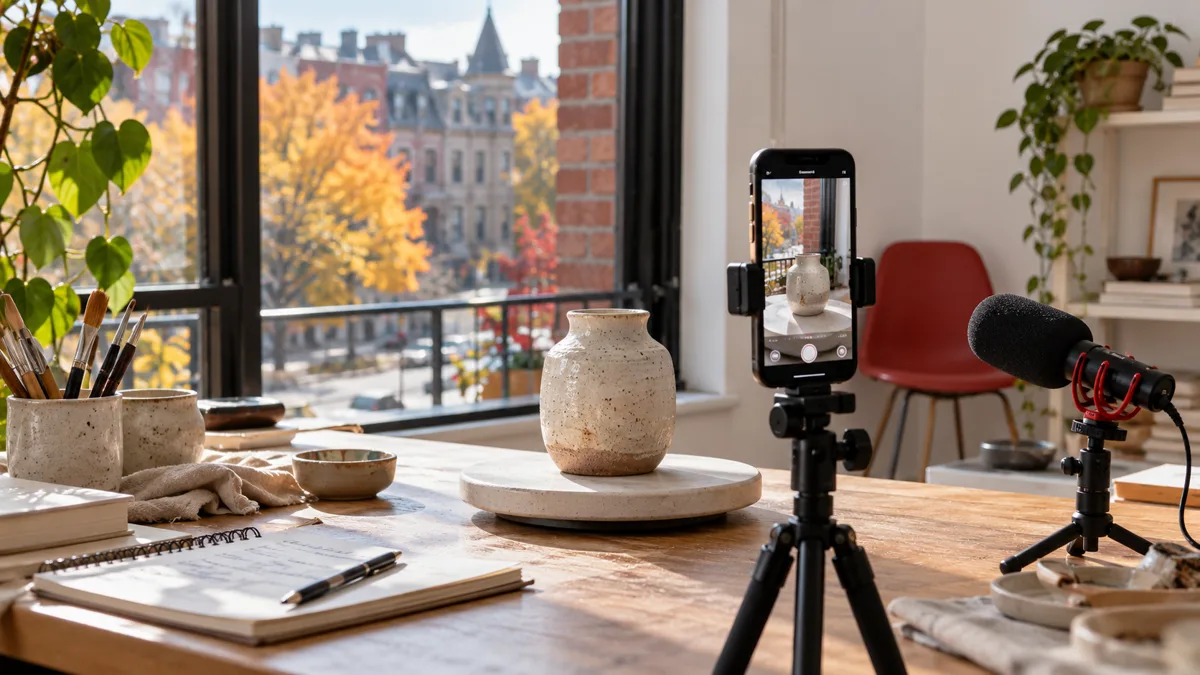
Most short videos are watched on a phone held upright, so they should be filmed that way too. The good news is that the phone already in your pocket is enough. What makes a vertical video look professional is rarely the camera. It is light, steady framing, clear sound and a few settings checked before you press record. This guide walks through each one, with Canadian examples and a checklist at the end.
Start with the settings, not the scene
Spend two minutes in the camera settings before your first shoot. You only need to do this once, but it changes every video after it.
- Hold the phone upright. Vertical video is 9:16, the shape of the phone screen itself. If you film sideways and crop later, you lose most of the picture and the quality drops.
- Use the main rear camera when you can. On most phones the rear camera is sharper than the front one. Use the front camera when you need to see yourself, for example when talking to camera alone, and the rear camera when someone else is filming or you are showing a product.
- Pick a resolution and frame rate and keep them. 1080p is a safe choice for short video apps. Higher settings take more storage and are not always kept after upload. A frame rate of 30 frames per second suits talking and demonstrations; a higher frame rate helps if you plan to slow footage down.
- Turn on the grid. The grid lines help you keep the horizon level and your subject where you want it.
- Clean the lens. A fingerprint on the lens is the most common reason a video looks soft or hazy. Wipe it with a soft cloth before every shoot.
Menus differ between phone models and change with updates, so if you cannot find one of these options, check your phone maker's help centre.
Light: the biggest difference for the least money
Phones do well in good light and struggle in poor light. Grainy, muddy footage is almost always a lighting problem, not a camera problem.
Use a window first
Stand or place your product facing a window, so the daylight falls on the front of the subject. Do not put the window behind you; the phone will expose for the bright background and your face will turn dark. Overcast days are often easier than bright sun because the light is soft and even.
Plan around Canadian daylight
In much of Canada, winter afternoons get dark early. A bakery in Halifax or a hair salon in Edmonton that wants to film in natural light may need to shoot in the late morning or around midday from November to February. In summer you have far more choice. Keep a note of which hours give your space the best light and book filming into that slot.
Add a simple light when daylight is not enough
A small LED panel or ring light is enough for most indoor videos. Place it slightly above eye level and in front of the subject. Turn off overhead lights that have a different colour, because mixing warm bulbs and cool daylight makes skin and products look odd. If you sell anything where colour matters, such as clothing, paint, flowers or cosmetics, check the footage against the real item before you post.
Framing for a tall screen
A vertical frame is narrow, so composition works differently than on a horizontal video.
- Keep the subject in the centre band. TikTok, Reels and Shorts all place buttons, captions and your account name over parts of the video, mostly along the right side and the bottom. Keep faces, products and on-screen text away from those edges.
- Frame people from the chest up for talking. Eyes should sit roughly one third of the way down the screen. Leave a little space above the head, but not too much.
- Get close to products. On a small screen, details disappear. Fill the frame with the item, then pull back to show it in use.
- Check the background. Clutter is more noticeable in a tall frame. Move boxes, cords and anything with a customer's name on it out of the shot.
Keep the phone steady
Shaky footage is tiring to watch. A basic tripod with a phone clamp costs little and solves most of it. If you are filming handheld, hold the phone with both hands, keep your elbows against your body and move your whole body rather than your wrists. Most phones also have stabilization in the video settings; turn it on for walking shots.
For movement, slow is better than fast. A slow push toward a plate of food at a Montreal café or a steady walk through a renovation in Ottawa reads well. Quick pans and zooms usually look rushed on a phone screen.
Sound matters as much as the picture
Viewers will forgive slightly soft footage, but not audio they cannot understand. A few habits help:
- Film in a quiet room. Turn off fans, music and the espresso machine while you record speech. Soft furniture and curtains reduce echo.
- Get closer to the phone. The built-in microphone works best within arm's length. If you need to stand further back, a small clip-on microphone that connects to your phone makes a clear difference.
- Watch out for wind. Outdoor shots on a windy day in Saskatoon or on the coast in Vancouver can ruin speech. Shelter behind a wall, or record your voice indoors and add it over the outdoor footage.
- Add captions. Many people watch without sound. On-screen captions also help viewers who are deaf or hard of hearing, and they make bilingual content easier when you serve both English and French speakers.
Plan short videos in shots, not takes
You do not need to say everything in one long take. Short videos work better as a few short shots joined together. Before filming, write a simple shot list:
| Shot | What it shows | Example: a Toronto florist |
|---|---|---|
| Opening | The result or the question | A finished bouquet, held up to the camera |
| Middle | Two or three steps | Choosing stems, trimming, wrapping |
| Close-up | The detail that matters | The card with a handwritten note |
| Ending | What viewers can do next | The shop door and the opening hours on screen |
Film each shot a few times. Leave a second of stillness at the start and end of each clip so it is easier to cut. Then edit in the app itself or in a simple phone editor, trimming anything that does not move the video forward. The first second matters most, so open with something clear to look at instead of a slow introduction. Our guide to writing TikTok captions that get read covers the words that go with the picture.
Common mistakes to avoid
- Filming horizontally and cropping later, which cuts away most of the frame.
- Using digital zoom. It enlarges the picture without adding detail. Move the phone closer instead, or switch to the phone's built-in telephoto lens if it has one.
- Letting the phone change focus and exposure mid-shot. On many phones you can press and hold on the subject to lock both.
- Filming in front of a bright window or under a single overhead bulb.
- Placing key text where the app's buttons will cover it.
- Posting without watching the whole video once, with and without sound.
Where views fit in
Once the video itself is good, the first people who see it often glance at the view count before deciding whether to keep watching. Some new accounts add a small package of TikTok views so a new post does not look untouched at first glance. That can help a first impression. It does not replace good light, steady framing and clear sound, and it does not promise reach, followers or sales. If you order, we only need the public link to the video, never your password, the video must be public, and you can follow the order with its order number. Delivery timing varies by package.
If you want to try things out first, our free TikTok views tool is a low-stakes place to start, and the TikTok services and guides page collects everything else for the platform. For the bigger picture, read our TikTok playbook for Canada.
Quick checklist before you press record
- Phone upright, lens clean, grid on.
- Light falling on the front of the subject, not behind it.
- Subject in the centre band, away from the right and bottom edges.
- Phone on a tripod or held with both hands.
- Quiet room, phone within arm's length, or a clip-on microphone.
- Shot list written, with a clear first second.
- Captions added and the whole video watched once before posting.
None of this needs expensive gear. A clean lens, a window and a cheap tripod will take most small business videos from hard to watch to easy to watch, and that is the part of the result you control.
FAQ
Frequently asked questions
Do I need a newer phone to film good vertical video?
Should I film in 4K for TikTok or Reels?
What is the cheapest equipment worth buying first?
How do I keep text from being covered by the app's buttons?
Will buying views make a poorly filmed video perform?
Related services
Keep reading
TikTok LIVE for Small Businesses: A First-Stream Checklist
A first-stream checklist for Canadian small businesses on TikTok LIVE: eligibility, purpose, timing by time zone, setup, running order, comments and follow-up.
How to Write TikTok Captions That Get Read
How to write TikTok captions people read: strong first lines, search words, fewer hashtags, one clear ask, bilingual tips and templates for Canadian accounts.
How to Choose TikTok Search Topics for Canadian Viewers
Turn specific viewer questions into useful TikTok videos. Learn to choose local topics, write clear captions and review search intent without keyword stuffing.
Instagram vs TikTok for Canadian Small Businesses
Which platform should a Canadian small business focus on first? A practical comparison of Instagram and TikTok, plus the disclosure rules for creator deals.
How to Film Good Vertical Video on a Phone: customer reviews 0
Ratings and comments from people who used this service, approved by our team. You can leave yours after your order.
No reviews on this page yet. Be the first.