
TikTok LIVE for Small Businesses: A First-Stream Checklist
Going live is the closest thing to talking to customers across your own counter. Here is a step-by-step checklist for a first TikTok LIVE that runs smoothly.
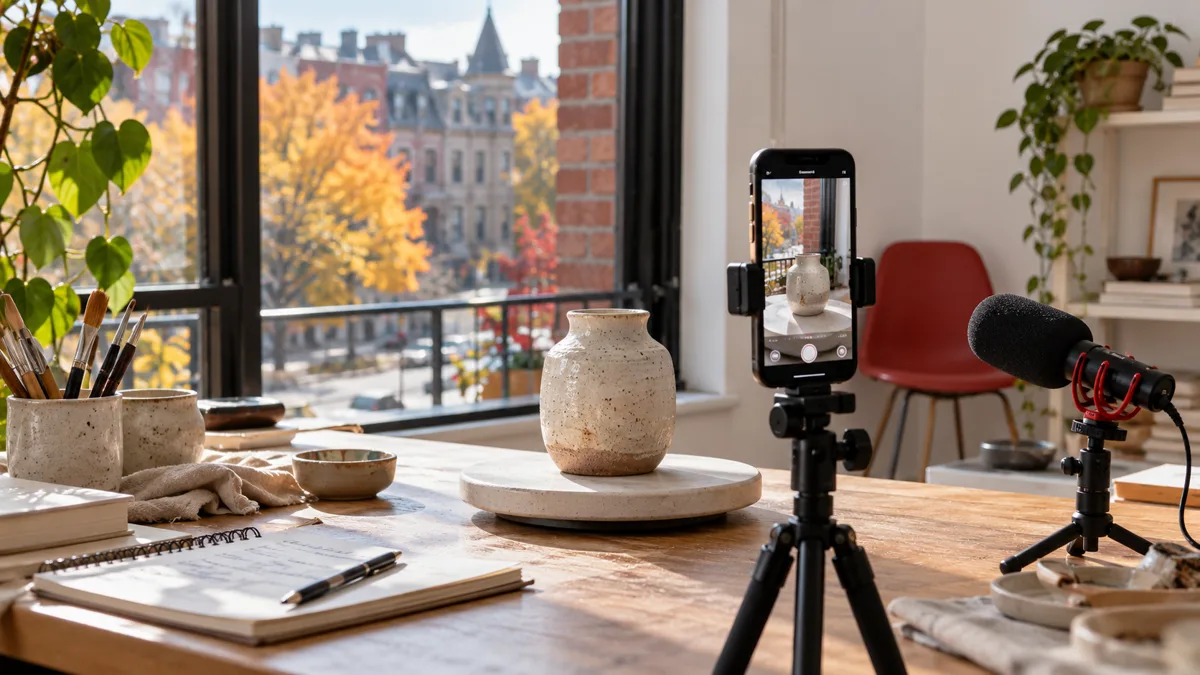
Going live on TikTok is the closest thing to standing behind your own counter and talking to whoever walks in. For a small business it can be a product demo, a behind-the-scenes hour, a Q&A or a quick market stall. The first stream is also the one most owners put off, because there is no edit button. This checklist takes a Canadian shop, café, studio or service business from "we should try LIVE" to a first stream you can run without panicking.
Before you plan anything: can your account go live?
TikTok only opens LIVE to accounts that meet its current requirements, which include a minimum age and a minimum follower count. Those rules have changed over time and may differ by region, so check TikTok's help centre for the current requirements rather than trusting an old screenshot. If the LIVE option does not appear when you tap the plus button, you have not met them yet. In that case, keep posting regular videos first. Our TikTok playbook for Canada covers that stage.
Once the option is there, read TikTok's Community Guidelines for LIVE as well. Streams are moderated in real time, and a first stream that gets interrupted for a rule you did not know about is a poor start.
Step 1: choose one purpose for the stream
A first stream that tries to do everything ends up doing nothing. Pick one purpose and build the hour around it:
| Purpose | Example for a Canadian business | What viewers get |
|---|---|---|
| Show how it is made | A Winnipeg candle maker pouring a new fall scent | A reason to trust the product |
| Answer questions | A Mississauga tax preparer taking RRSP questions in February | Free, useful answers |
| Walk through the space | A Kelowna winery tour between harvest tasks | A feel for the place before visiting |
| Sell a small set of items | A Halifax vintage shop showing ten jackets, one at a time | First look at new stock |
| Teach one skill | A Montreal florist building a simple centrepiece | Something to try at home |
Write the purpose in one sentence and keep it where you can see it while streaming. When a comment pulls you off course, that sentence brings you back.
Step 2: pick a time your customers can watch
Canada spans several time zones, so "7 p.m." means different things in St. John's and Victoria. For a local business, stream when your own customers are free: early evening on a weekday, or late morning on a Saturday, in your own time zone. For a shop that ships across the country, aim for a slot that is reasonable in both Eastern and Pacific time, such as early evening Eastern. Our post on the best time to post in Canada goes through the time-zone maths in detail.
Announce the time at least a day ahead: a regular video, a Story on Instagram if you use it, a line on the chalkboard by the till. Mention the time zone every time.
Step 3: the technical checklist
Most first-stream problems are not about confidence. They are about a phone at 8 percent battery and a Wi-Fi router in the back room. Run through this list an hour before you go live:
- Connection. Test the upload speed from the exact spot you will stream. Wi-Fi near the router is safer than cellular, especially in a basement shop or a rural area.
- Battery and power. Charge the phone fully and keep a charger plugged in.
- Stand or tripod. A handheld stream shakes and tires your arm. A cheap phone tripod at eye level is enough.
- Light. Face a window or a lamp. Avoid standing with a bright window behind you, which turns you into a silhouette.
- Sound. Turn off the fridge compressor, the radio and the espresso grinder if you can. If your space is noisy, a clip-on microphone helps more than any camera upgrade.
- Do Not Disturb. Calls and notifications can interrupt the stream. Switch them off before you start.
- Storage. If you plan to save a replay, make sure the phone has space for it.
Step 4: set up the stream inside the app
When you tap LIVE, TikTok asks for a title and lets you choose a cover image and a few settings. Treat these like the first line of a caption: the title should say what the stream is, in plain words a viewer would understand without context. "Pouring the maple-bourbon candle, ask me anything" beats "Live now". The cover image can be a photo of the product or the space. Settings worth checking before the first stream include comment filters, who can send gifts, and whether you want to add a moderator. If you have a staff member or a friend who can watch the comments on another phone, make them a moderator so you can focus on talking.
Step 5: a simple running order
You do not need a script, but you do need a shape. A first stream of about 20 to 30 minutes is plenty. Something like:
- Minutes 0 to 3: say who you are, where you are and what the stream is about. Repeat this every few minutes, because people join late and have no idea what they walked into.
- Minutes 3 to 20: the main part. Make the thing, show the stock, answer the questions. Read comments out loud with the commenter's name before answering, so viewers feel heard.
- Last 5 minutes: recap what was covered, say where to find the product or book a visit, and tell people when the next stream is.
Keep a glass of water and a short list of three talking points for the moments when the comments go quiet. Fill it by narrating what you are doing rather than waiting for a question.
Step 6: handle comments without losing the thread
Comments arrive faster than you can answer them. A few habits help:
- Answer the questions that match the purpose of the stream first. Park the rest with "I'll come back to that at the end".
- Pin a comment with the key information, such as the price or the address, so you do not repeat it twenty times.
- Ignore rude comments or let your moderator remove them. Reacting on camera gives them the stream.
- If a question is about something you sell, answer it properly and then say plainly where to buy it.
If French-speaking customers are part of your audience, greet them in French early on and answer French comments in French where you can. Even a short "bonjour, posez vos questions en français si vous préférez" tells them they are welcome.
Step 7: after the stream
The stream is not finished when you tap End. Within a day:
- Save the replay if TikTok offers it, and cut two or three short clips from the best moments to post as regular videos. Write captions for them the way our guide on TikTok captions describes.
- Reply to any comments or messages you missed.
- Note what worked and what did not: which questions came up, when viewers left, what you forgot to show.
- Decide on the next stream before the energy fades. A fixed slot, such as every second Thursday, is easier for viewers to remember than a random one.
Where live views fit in
A stream with a handful of viewers can feel like talking to an empty room, and new viewers who join a near-empty stream often leave straight away. Some businesses add a small package of TikTok live views so the stream looks a little more active while they build a regular audience. It is a first-impression boost, nothing more: it does not bring questions, followers, visits or sales, and it does not replace a stream worth watching. If you order, note that viewers are sent while the stream is running, so you need to be live when the order is delivered. We only need your public username or stream link, never your password, card payment goes through a secure checkout in USD, and your order number lets you follow the order on the order page. For the rest of what we offer and our free guides, see the TikTok hub.
The one-page checklist
- LIVE option available on the account, Community Guidelines read
- One purpose, written in one sentence
- Time chosen for your customers, announced with the time zone
- Connection tested, phone charged and plugged in, tripod, light, sound, Do Not Disturb
- Clear title, cover image, comment settings, moderator if possible
- Running order: intro, main part, recap with the next date
- Pinned comment with price or address
- After: replay saved, clips cut, comments answered, notes written, next stream booked
The first stream will be rougher than you would like. That is fine. Viewers forgive a wobbly camera far more easily than they forgive a stream with no point, and the second one is always easier.
Frequently asked questions
How many followers do I need to go live on TikTok?
How long should a first TikTok LIVE be?
What should I do if nobody is watching at the start?
Do I need a moderator for a small business stream?
Do bought TikTok live views work if I am not streaming?
Related services
Keep reading
How to Write TikTok Captions That Get Read
How to write TikTok captions people read: strong first lines, search words, fewer hashtags, one clear ask, bilingual tips and templates for Canadian accounts.
How to Choose TikTok Search Topics for Canadian Viewers
Turn specific viewer questions into useful TikTok videos. Learn to choose local topics, write clear captions and review search intent without keyword stuffing.
Instagram vs TikTok for Canadian Small Businesses
Which platform should a Canadian small business focus on first? A practical comparison of Instagram and TikTok, plus the disclosure rules for working with creators.